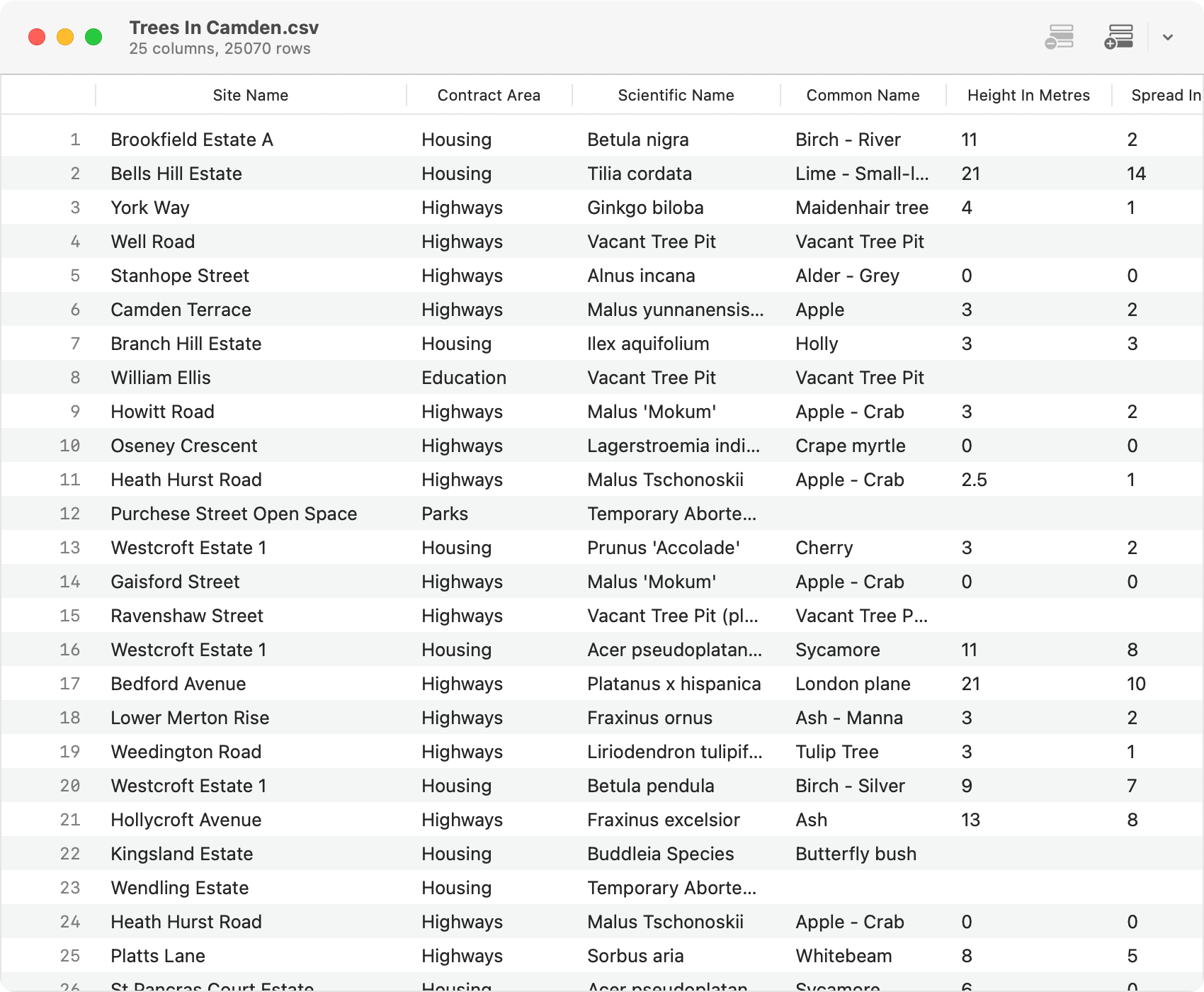
Delimited is purposefully limited. You can use it to view and edit CSV and TSV files. Files with the .csv extension will use a comma as the delimiter, while files with the .tsv extension will use a tab. Other delimiters are not supported (by design) as they do not adhere to RFC 4180. You can specify whether to interpret the first line in a file as a header row or not.
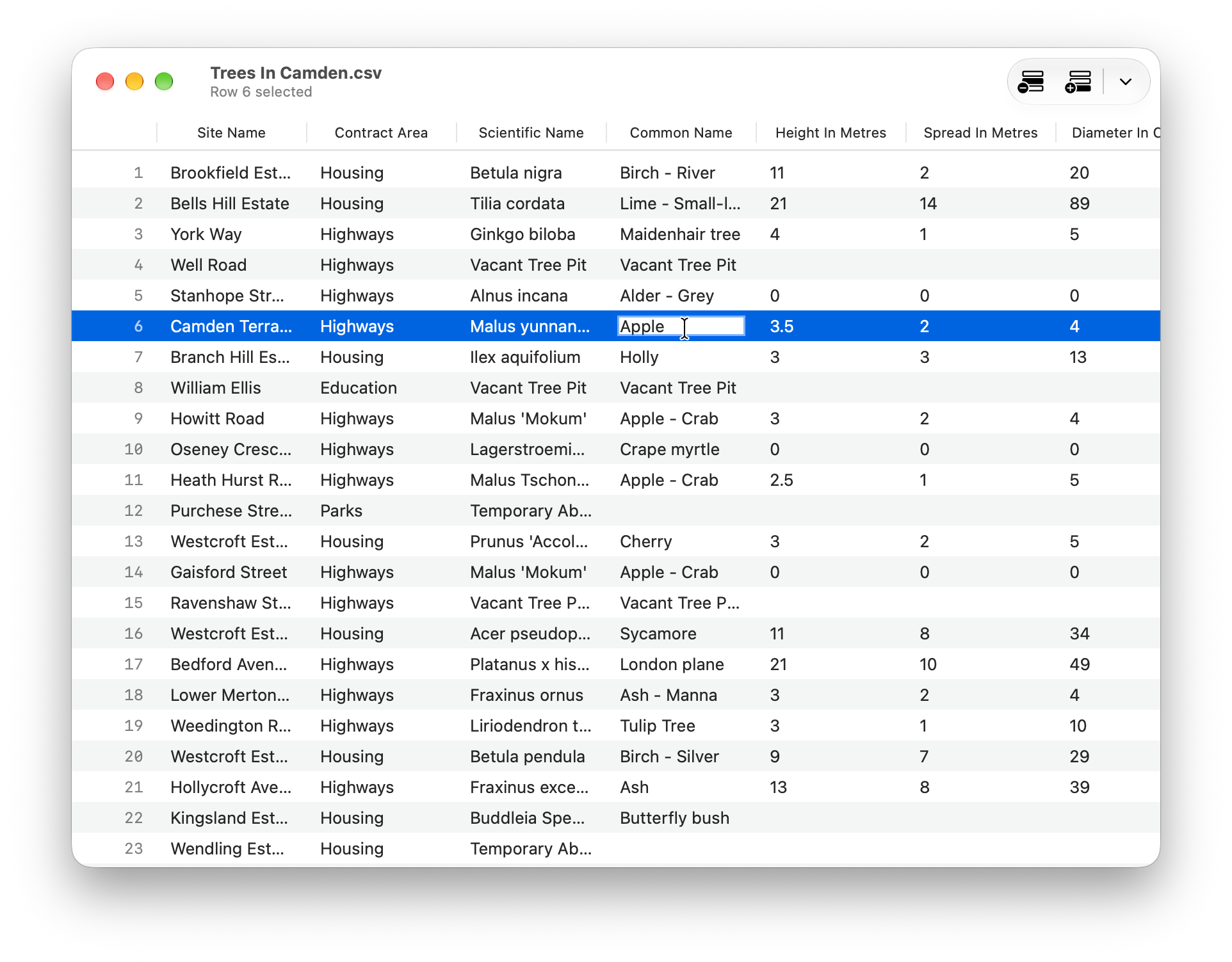
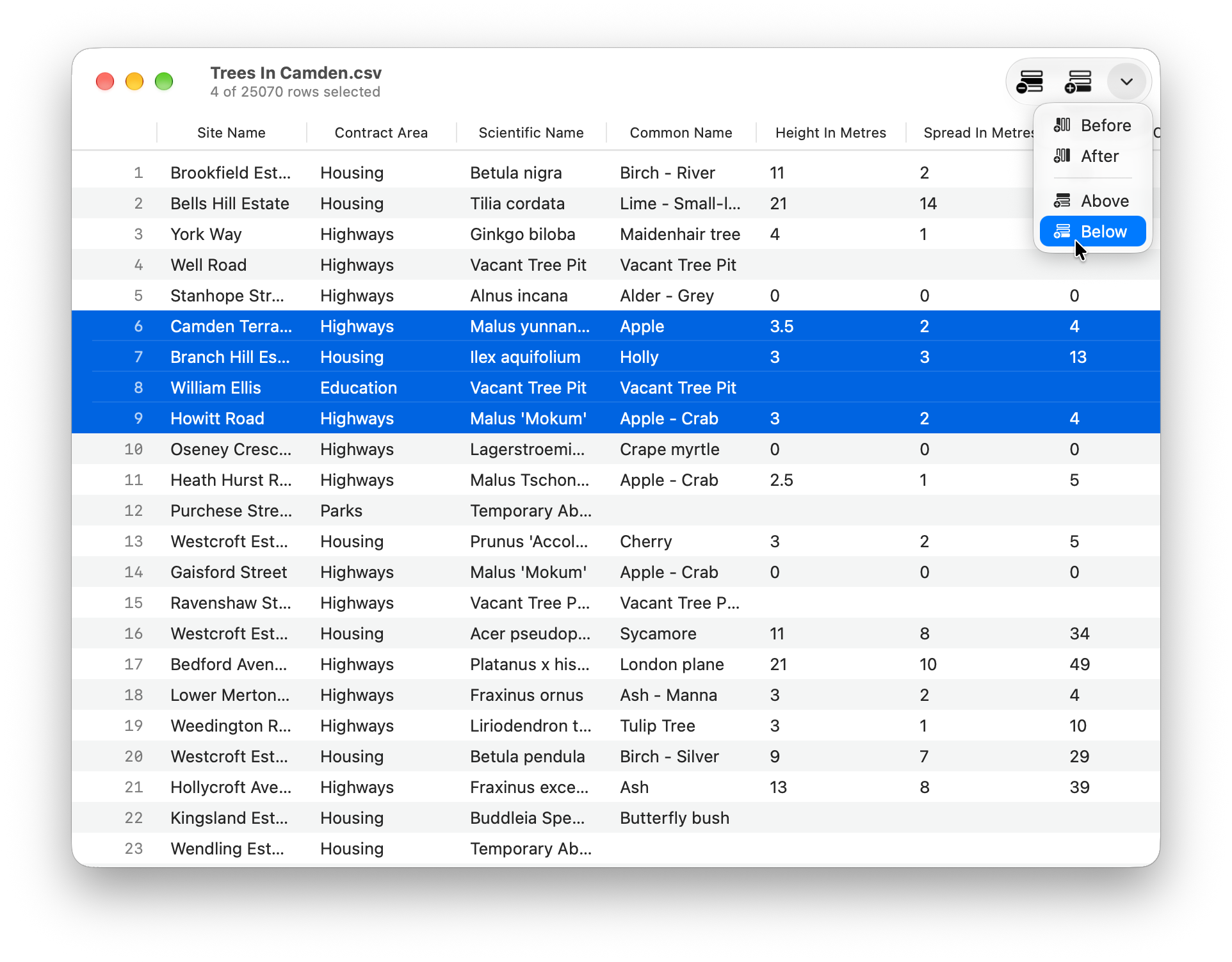
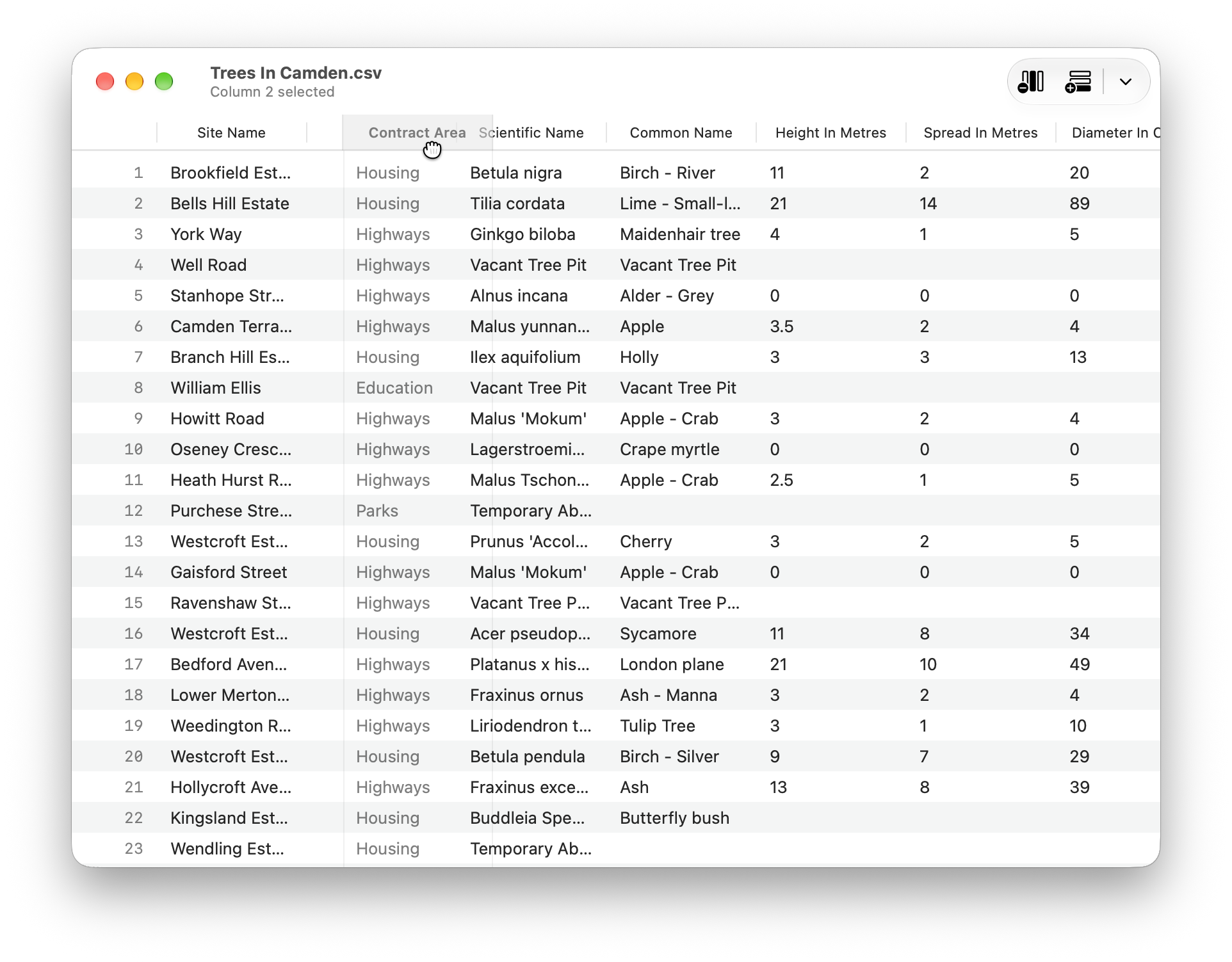
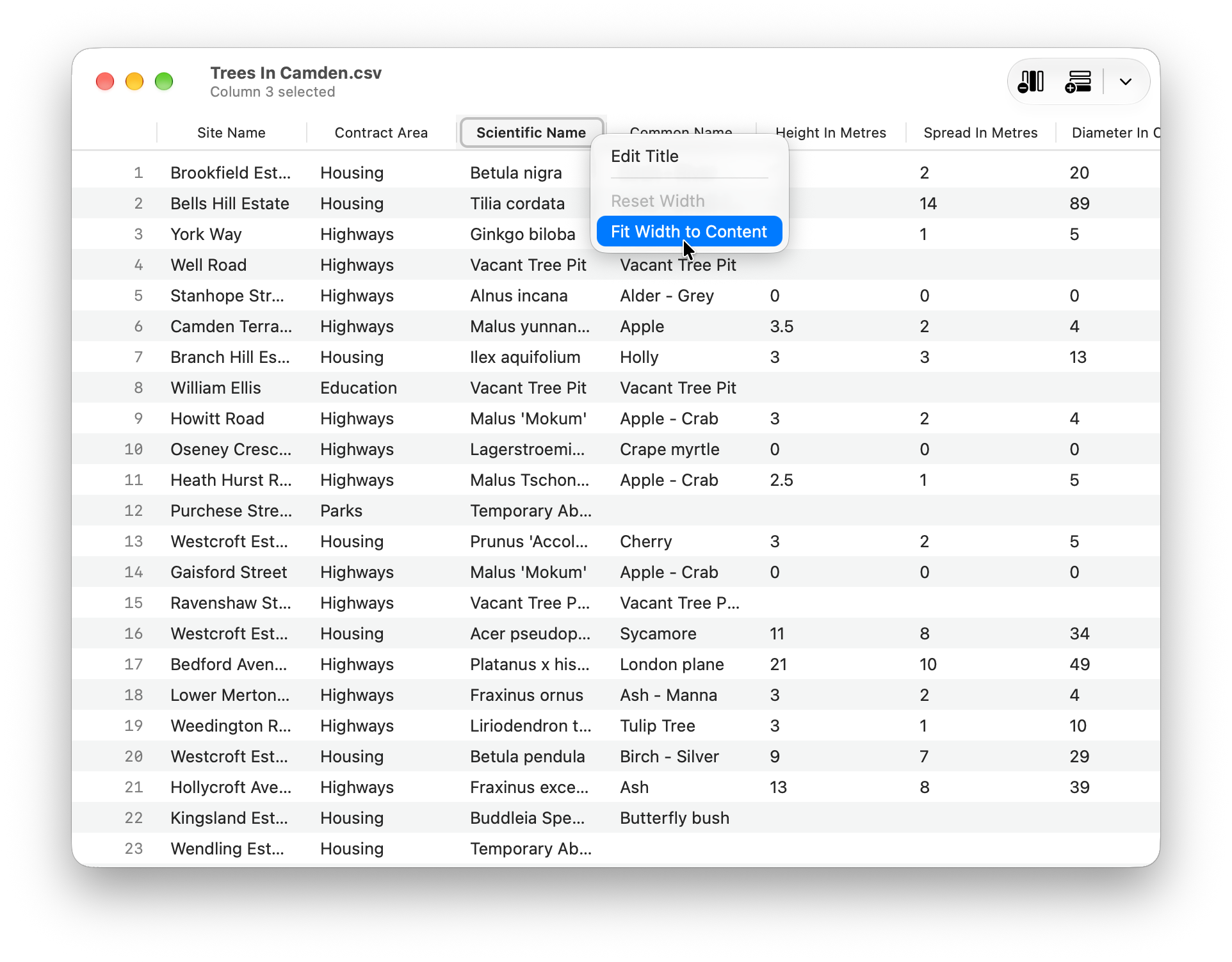
Delimited displays all rows and columns of your table in one scrollable view, allowing you to freely explore the table's contents. You can add, move, and remove rows and columns. Fields containing newlines are rendered within a single cell, expanding the row to accommodate the content. Text clipped by the column width can be viewed by hovering over the cell or by resizing the column. Double-clicking a column's divider fits it to its contents, and you can fit several columns at once by selecting them and choosing "Fit Widths to Content" from the header's context menu.
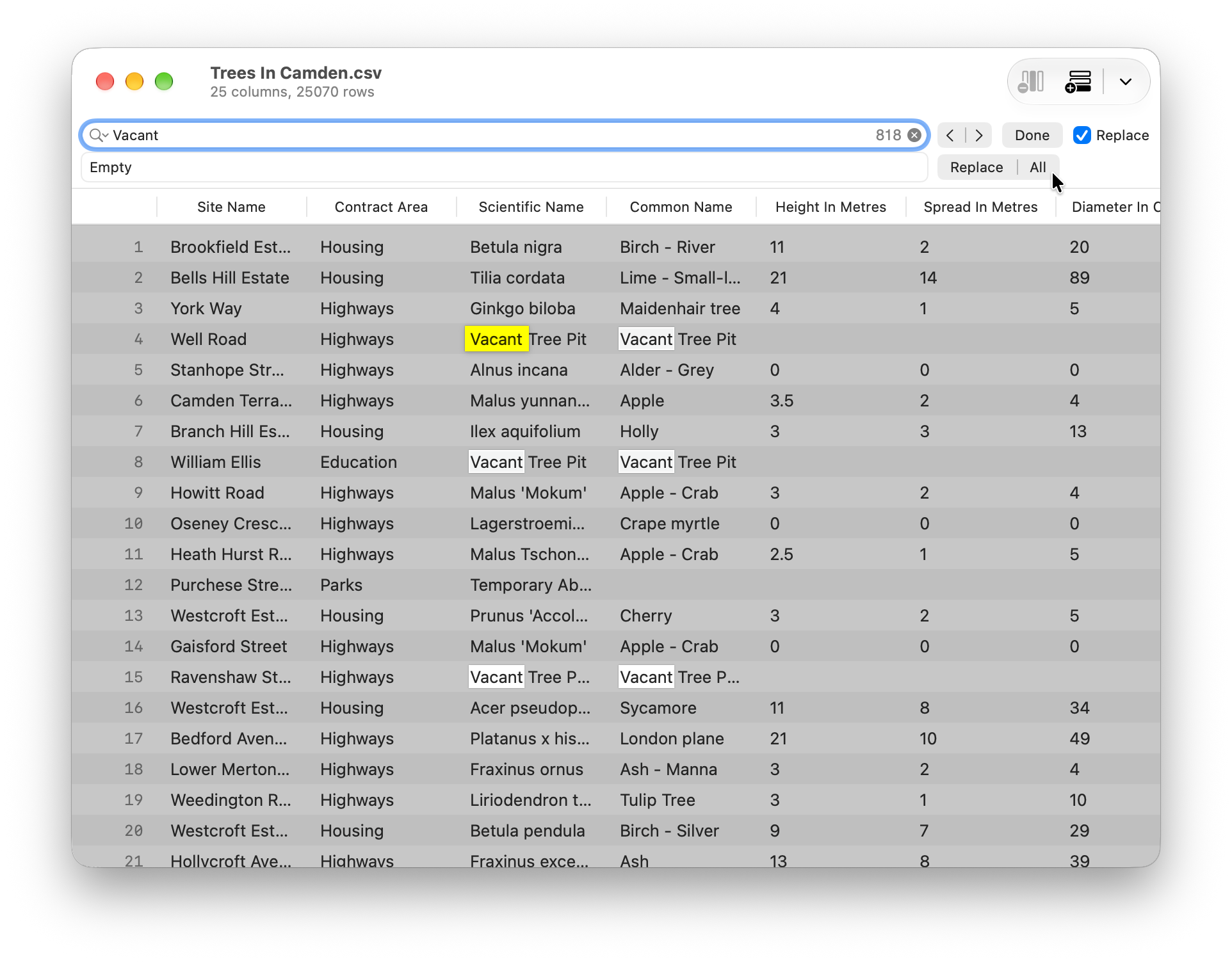
You can search your table using the standard macOS find bar (⌘F). Matches are highlighted throughout the table, and you can step through them one by one. Find and replace (⌥⌘F) lets you replace matches individually or all at once. Search covers the table's contents; header titles are not included.
Additionally, a subtitle can be toggled to display extra information, such as the table's dimensions, the number of selected rows or columns, or details about the currently edited cell.
Copy/paste is all done in plain-text, making it easy to create a subset of a table.
For more information, please refer to the helpbook and screenshots.